
BrightStack Places Importer
Find businesses with Google, import full business records from Outscraper into your Voxel post types, and optionally write descriptions with AI, with a background queue, duplicate protection, a review screen, and safe updates that protect claimed listings.

Current version 3.3.74 · Updated November 2026
Requires the Voxel theme. Places Importer imports businesses into Voxel post types, so the Voxel theme must be active on the site. It does not work on any other theme.
BrightStack Places Importer turns a Voxel-theme WordPress site into a directory data pipeline. Find businesses with Google, pull each full business record from Outscraper, optionally write descriptions with the AI provider you choose, and save clean listings into your own Voxel post types, fields and taxonomies. Anything the plugin is not sure about goes to a review screen instead of onto a live listing.
Current version: 3.3.74. Part of the 3.3.x suite line: all four BrightStack plugins share the same first two version numbers. Requires WordPress 7.1 or later and PHP 8.2 or later. Skip Preview and Retry photos also need InnoDB database tables, which most hosts use.
Import
- Single Import: type a business name, pick it from Google suggestions, choose the owner and listing type, and import. Only a verified Google place can be imported. New listings are saved as drafts by default.
- Batch Import by location and radius, or every business at one building or complex. Preview up to 60 results with a category or keyword, then pick the ones you want. An optional ratings column, off by default, lets you sort by Google rating and select by minimum rating. While it is on, searches use Google’s higher-priced search tier. Ratings are shown, never saved.
- Skip Preview sends a search straight to Outscraper for up to 500 results, with no review screen.
- A background queue imports the businesses for you, with automatic reset of stuck items, a capped number of retries, and buttons to clear or re-run items.
- Per listing type, choose what happens to businesses without a street address: import, import as drafts, or skip.
Duplicate protection
- A business already in your directory, matched by its Google place ID, is blocked on Single Import and marked Duplicate in the Batch preview, before you spend Outscraper credit. The queue never creates a second listing for a known place ID.
- Close name matches against listings without a place ID are flagged “Check first” and name the existing listing. They are never merged or blocked automatically.
- A Google place already listed under another listing type, such as a resort and its restaurant, shows an “Also listed as” warning. Importing is never blocked.
- Merge Duplicates keeps the older listing, copies over only the mapped fields it is missing, never overwrites anything, and moves the newer listing to the Trash, never deleting it.
Field mapping
- Map more than 100 source fields to your Voxel fields, per listing type: location, work hours, photo galleries, repeaters, emails with contact names, and social links.
- A Setup Wizard suggests field matches for you to confirm, and starter mappings are available on the Welcome checklist. The wizard asks how many photos to import for each photo field, and the Smart Mapper suggests a field you mapped on one listing type for another type with the same field.
- Opening hours: a day is saved as Closed only when the data says closed. Unreadable or missing days are left blank.
- Photo limits per photo set, each set keeping the number set on its own row. The first imported photo of the main Photos set (or the Latest set when Photos is not mapped) becomes the featured image when the listing has none.
- Social links are checked against the business before they are written. Links that cannot be proven go to review instead.
Taxonomies and enrichment
- Google’s business attributes are sorted into your dining, service, dietary, payment, vibe or amenity taxonomies. Only confident matches are applied, and decisions are remembered.
- AI Term Matching matches incoming categories to the closest existing term, with one switch per listing type.
- The enrichment engine never adds taxonomy terms on its own. New terms are only created on a taxonomy where you switch that on.
- Price ranges map onto your price-tier taxonomy, with USD, EUR, GBP and one local currency of your choice.
- Located At links a listing to its parent listing, such as a shop inside a mall. Unknown parents are never created automatically.
- Enrichment Review holds unmatched attributes, low-confidence AI suggestions, unproven social links, foreign WhatsApp numbers and logo suggestions until you Apply or Dismiss them.
AI writing (optional)
- Works with OpenAI, Anthropic Claude, Google Gemini and Perplexity. Perplexity is the only option with live web search built in.
- Write descriptions, FAQs and other fields with your own prompts per listing type. Choose No AI, AI only when the field is empty, or always AI.
- If an AI request fails, the listing keeps the scraped description instead of an empty field, and the Queue screen explains what went wrong. Owner-written descriptions are not touched.
- House style rules ask for plain, specific descriptions without marketing filler.
- Model lists refresh weekly. You get warnings 60 and 30 days before a model is retired, and the plugin switches to the provider’s named replacement 7 days before.
- AI Health & Cost shows each provider’s status, a one-click Test connection, cost tiers, and an estimated cost calculator before you import. It can also compare two AI options on one listing side by side; nothing is saved to the listing.
Keeping listings up to date
- Update Data refreshes chosen fields from Outscraper or the AI provider, in bulk or from a single listing. You can limit it to empty fields only.
- Only listings owned by accounts you list can be refreshed. With an empty list, nothing is queued.
- Claimed listings (verified or on a paid plan) are skipped by default. If you allow updates to them, every change is undone straight away and held for your review.
Tools
- Unused Imported Photos counts photos the importer downloaded that no listing uses, and holds them out of the Media Library without deleting them. Restore one or all at any time. Delete for good is switched off in this version.
- Debug Tools: logs, a diagnostic report, queue health, field mapping checks, a Place ID Filler, and more.
- Settings Export and Import: copy your importer settings to another site in two steps, Check and then Apply, with a one-step Undo kept for 7 days. API keys are included only when you tick a box and confirm it.
- Imported and AI text is cleaned for the field it is saved in: plain text fields lose markup, and link fields accept only web, email and phone links.
- Raw Data Exporter saves the full raw record of each import, kept 90 days by default.
- An optional Elementor form lets visitors suggest businesses through the same pipeline. It is off by default, needs a login by default, and has submission limits.
- Content in 29 languages. Hours, closed days and prices have been tested in English only.
What you need to provide
- Outscraper account (required). Outscraper supplies the business record. It is pay as you go per business, and photos are billed separately per image, so your photo limits are usually the biggest cost dial.
- Google Cloud project with billing (required). Enable Places API (New), Maps JavaScript API and Geocoding API, and create two keys: a server key and a browser key. Google is used to find and verify businesses. Each Google call type has its own free monthly allowance before Google charges.
- AI provider key (optional). Needed only for AI writing. Each provider bills you per request. Without AI, the business data still imports.
These services bill you directly, and their own pricing pages are the figures to trust. The Outscraper link in the plugin is an affiliate link; signing up directly is fine.
What it does not do
- It does not import review text.
- It does not store Google’s content. Google finds and verifies the business; the stored record comes from Outscraper.
- Skip Preview has no review step, so duplicates are caught after the Outscraper search is paid for.
- It does not delete held photos in this version.
- It does not check prepaid AI account balances.
Safety
The plugin reminds you to back up and to try changes on a staging copy first. Saved API keys show only their last four characters. Deleting the plugin keeps your data unless you tick the delete box first, and imported listings are never removed either way.
What changed recently
- 3.3.74: BrightAdvice Places Importer is now BrightStack Places Importer. Only the name changed.
- 3.3.72: Stronger queue protection: two queue workers can no longer work on the same item at once, a worker that hangs is ended after an hour, Review Apply on a claimed listing keeps an edit the owner saved at the same moment, and an import stopped while finishing is completed on the next queue run.
- 3.3.66: Settings Export and Import, an AI comparison on one listing, an optional Google ratings column in Batch Import, an “Also listed as” warning for a place listed under two listing types, saved Skip Preview results so a retry never buys a search twice, and imported text cleaned for the field it is saved in.
- 3.2.26: Retry photos queues at most one paid photo job per click in normal operation, and Smart Mapper reports suggestions it could not save.
- 3.2.20 to 3.2.24: fixes from a review of every admin screen, queue action and scheduled job. Database errors are no longer shown as “nothing found”, Clear Completed keeps paid data, shared settings save in one safe write, and Reset names any setting that did not save.
- 3.2.8 to 3.2.18: a clear notice and update message when no license key is entered, and a BrightStack dashboard with the latest version of each suite plugin.
- 3.2.2 to 3.2.6: US spelling, the “Requires the Voxel theme” note, and backup and staging reminders.
License, updates and support
An active license gives you updates and support. Updates arrive through the normal WordPress Plugins screen, including the auto-update toggle, and each package is checked before it installs. Staging and development copies on recognized staging addresses do not use up a license site. For help, email help@brightadvice.com. If you choose not to renew, the plugin keeps working as it is, but updates and support are no longer available. Licensed GPL v2 or later.
0 Reviews
Unable to load reviews. Please try again later.
No reviews yet. Be the first to write a review!
Related Products
BrightStack Intelligent Search
Hybrid keyword and AI semantic search for Voxel directories, powered by a Typesense server you control. Location-aware ranking, instant autocomplete, and curated results. Updates and support come with an active license, and no visitor data is ever sent to BrightAdvice.
BrightStack Lead Analytics
Show advertisers the leads their listing sends. Count clicks on phone, WhatsApp, and website buttons, give each listing owner their own lead stats, and keep visitor IP addresses hashed. No third-party account needed.
BrightStack Social Insights
Track public Instagram and Facebook Page figures for your Voxel listings over time, with optional plain-language AI insights and monthly spending caps. Uses your own Apify account and, for insights, your own OpenAI key.
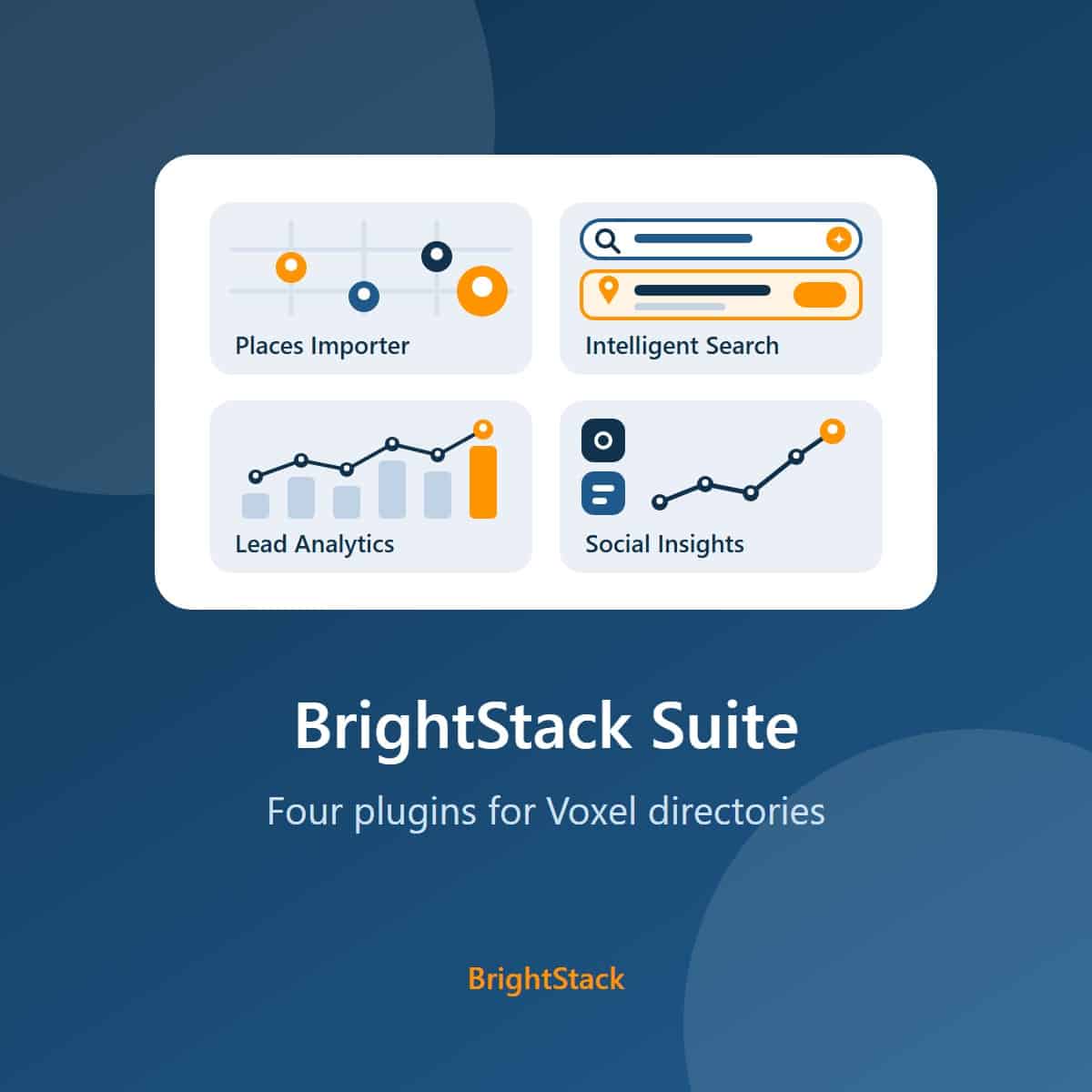
BrightStack Suite
Everything BrightAdvice makes for Voxel directories in one bundle: Places Importer, Intelligent Search, Lead Analytics, and Social Insights. Over 215 dollars of individual plugin value for 149 dollars a year.