
BrightStack Social Insights
Track public Instagram and Facebook Page figures for your Voxel listings over time, with optional plain-language AI insights and monthly spending caps. Uses your own Apify account and, for insights, your own OpenAI key.
Current version 3.3.2 · Updated October 2026
Requires the Voxel theme. Works on top of a Voxel directory; it is not a standalone plugin. Social Insights is built and tested for Voxel listing post types. Elementor is needed only for the widgets.
BrightStack Social Insights adds a social layer to your directory. It reads the Instagram and Facebook Page links already saved on your Voxel listings, collects public profile and post figures for each one, keeps the history, and can explain the numbers in plain language.
Current version: 3.3.0. Part of the 3.3.x suite line: all four BrightStack plugins share the same first two version numbers. Requires WordPress 7.1 or later and PHP 8.2 or later.
Data collection
- Choose which listing types to track and which fields hold the Instagram and Facebook Page links.
- Instagram profiles and Facebook Pages are collected through Apify actors in your own Apify account. Each platform has its own on and off switch.
- Profile figures such as followers, following, post count and page likes, and post figures such as likes, comments, views and engagement rate.
- A background schedule refreshes each listing per channel, every 30 days by default, so a fresh Instagram snapshot never hides a missing Facebook one.
- Listings that keep failing are retried after 1, 2, 4 and then 8 days. After 5 failures in a row they appear in a list with a Try again button.
- Fetch one listing on demand from the Settings screen, or from a Social Insights box on the listing edit screen.
History and charts
- Every fetch is saved as a dated snapshot, so you see trends, not just totals.
- The Analytics screen charts follower growth, engagement and post activity, with top performing posts and posts needing improvement. Filter by date range and platform.
- Delete one platform’s history for a listing after a confirmation that shows exactly what will be removed.
AI insights (optional)
- Plain-language insights through your own OpenAI key: key insights, performance analysis, platform comparison, growth opportunities and recommendations.
- Written in any of 13 languages.
- Generate them on demand, or switch on automatic insights after each fetch. Automatic insights are off by default.
- Only performance figures and a few top and bottom post captions are sent to OpenAI. Addresses, phone numbers, emails, websites, names and IDs are never sent.
Elementor widgets
- Social Insights Chart, Social Media Stats, Top Performing Posts and AI Social Insights, for your listing pages. They show data for published listings only, and their scripts load only on pages that use them.
Spending control
- Monthly budgets for Apify and OpenAI, enforced at the moment each request is made. Fetching or insight writing pauses for the rest of the month once your estimated spend reaches the budget.
- The Settings screen shows estimated spend this month, and counts any call that may have started but was never confirmed as spent.
- Pause, resume or reschedule automatic fetching at any time.
Blacklist and timeline
- One blacklist screen controls which profiles are never fetched. It is checked before any paid request.
- Accounts the provider reports as missing, private or invalid are added to the blacklist automatically, and you can release them. Temporary problems do not blacklist an account.
- Optional Voxel timeline publishing posts newly fetched posts to the listing’s timeline. Failed posts are retried on the next fetch, and posts the owner deletes are not republished. It is off by default.
Keys and data
- API keys can be saved on the Settings screen or defined in wp-config.php. Saved keys are never shown again on screen.
- Admin notices report problems, such as a save that failed, and clear only when the problem is resolved.
- Deleting the plugin keeps your data unless you tick the delete box first. Your listings are never touched.
- An existing Voxel Social Media Suite install upgrades in place.
What you need to provide
- An Apify account (required). Apify collects the data and bills you directly. Cost depends on your Apify plan and how many profiles and posts you fetch.
- An OpenAI API key (optional). Only for AI insights. OpenAI bills you directly.
The monthly budgets use your own cost estimates, not the providers’ real bills, so set the estimates to match your plans.
What it does not do
- It covers Instagram profiles and Facebook Pages only. No TikTok, X, YouTube or LinkedIn.
- It collects public figures only. It does not connect to a business’s own Instagram or Facebook account.
- It depends on third-party Apify actors, whose output can change.
- It keeps history until you delete it. There is no automatic expiry.
- Scheduled work runs on WP-Cron, which fires when the site gets visits.
What changed recently
- 3.2.20: recovery messages state exactly what can and cannot be retried.
- 3.2.10 to 3.2.18: a local maintenance check repairs post counts from stored data, never with a paid call, and keeps working while fetching is paused. Timeline posts are never published twice and failed ones are retried. Fetch and Refresh on the listing screen now show warnings.
- 3.2.8: transactional saves, the failing-listing back-off, automatic blacklisting of missing Instagram accounts, hidden saved keys, and widgets limited to published listings.
- 3.2.0: the first sales release.
License, updates and support
An active license gives you updates and support. Updates arrive through the normal WordPress Plugins screen, including the auto-update toggle, and each package is checked before it installs. Staging and development copies on recognized staging addresses do not use up a license site. For help, email help@brightadvice.com. If you choose not to renew, the plugin keeps working as it is, but updates and support are no longer available. Licensed GPL v2 or later.
0 Reviews
Unable to load reviews. Please try again later.
No reviews yet. Be the first to write a review!
Related Products
BrightStack Intelligent Search
Hybrid keyword and AI semantic search for Voxel directories, powered by a Typesense server you control. Location-aware ranking, instant autocomplete, and curated results. Updates and support come with an active license, and no visitor data is ever sent to BrightAdvice.
BrightStack Lead Analytics
Show advertisers the leads their listing sends. Count clicks on phone, WhatsApp, and website buttons, give each listing owner their own lead stats, and keep visitor IP addresses hashed. No third-party account needed.
BrightStack Places Importer
Find businesses with Google, import full business records from Outscraper into your Voxel post types, and optionally write descriptions with AI, with a background queue, duplicate protection, a review screen, and safe updates that protect claimed listings.
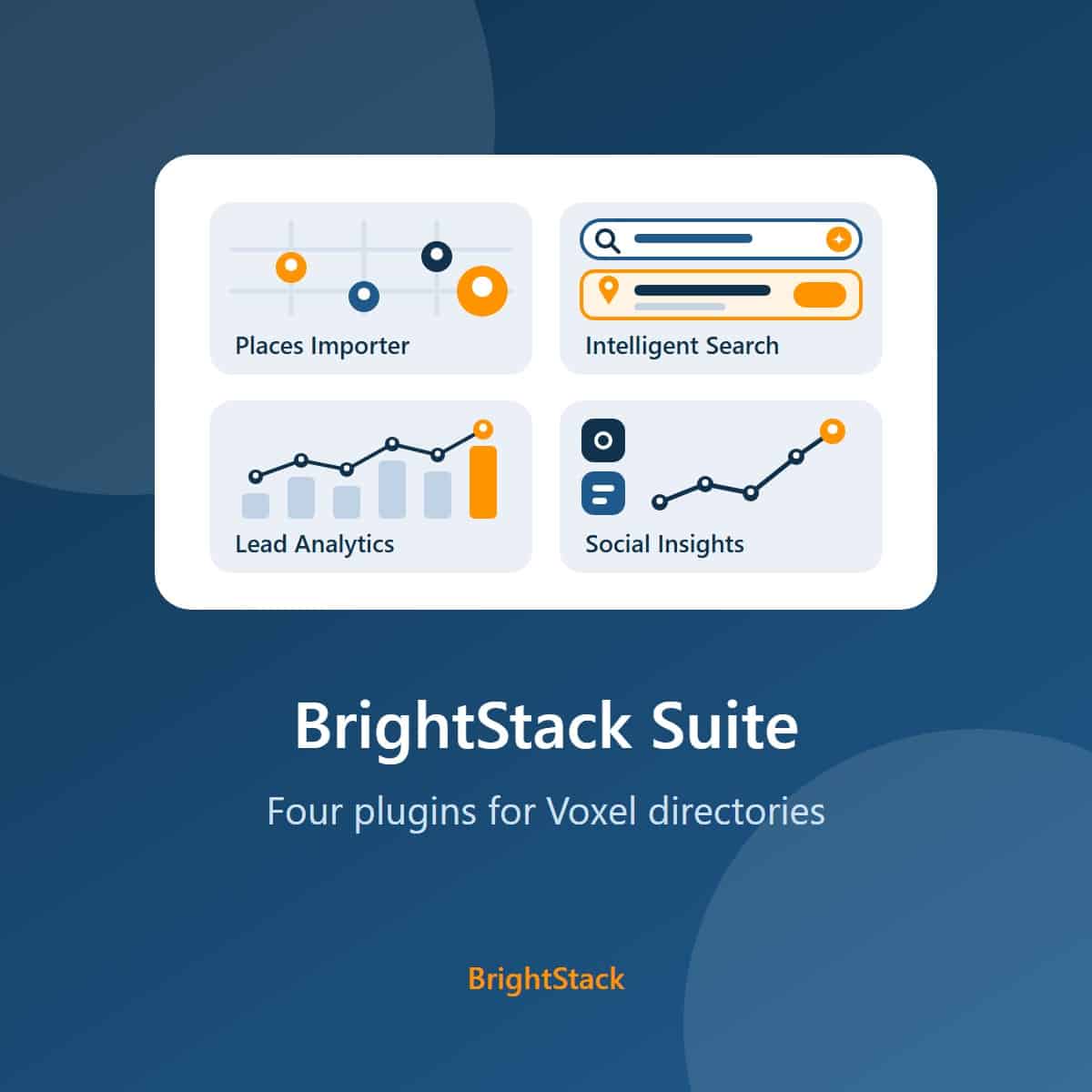
BrightStack Suite
Everything BrightAdvice makes for Voxel directories in one bundle: Places Importer, Intelligent Search, Lead Analytics, and Social Insights. Over 215 dollars of individual plugin value for 149 dollars a year.