
BrightStack Intelligent Search
Hybrid keyword and AI semantic search for Voxel directories, powered by a Typesense server you control. Location-aware ranking, instant autocomplete, and curated results. Updates and support come with an active license, and no visitor data is ever sent to BrightAdvice.
Current version 3.3.4 · Updated October 2026
Requires the Voxel theme. Works on top of a Voxel directory; it is not a standalone plugin. It searches Voxel post types, and its search box and results are Elementor widgets.
BrightStack Intelligent Search upgrades Voxel search from basic matching to real discovery. It copies the post types and taxonomies you choose into a Typesense search server that you provide, and answers visitors with a blend of keyword and meaning-based results.
Current version: 3.3.0. Part of the 3.3.x suite line: all four BrightStack plugins share the same first two version numbers. Requires WordPress 7.1 or later and PHP 8.2 or later.
Search
- Hybrid keyword plus AI semantic (vector) search on Typesense, with an adjustable balance between the two. Semantic search is on by default.
- Typo tolerance, with settings for how many typos to allow and whether exact matches come first.
- Location-aware, geo-ranked results using the visitor’s browser location, with a maximum distance you set. Location search is off by default, needs HTTPS, and only runs when the visitor gives permission.
- Instant autocomplete, trending searches and recent searches. A query must be searched at least twice before it appears as trending. Recent searches stay in the visitor’s own browser.
- Results show every match the search server returns, ranked, with no minimum score to set.
- A built-in rate limit on public searches: 30 per minute per visitor address by default.
Curation and ranking
- Promote or exclude results for specific searches. Saving a rule is confirmed on the server before the older version is removed.
- Voxel verified and priority listings can be boosted, and both boosts are on by default.
Indexing
- One collection per post type or taxonomy you enable. Posts are indexed when saved.
- Sync All builds the full index. It can be resumed if the page closes, and only one sync runs at a time.
- Deleted, unpublished, private and password-protected content is removed from the index. Visitors only ever see content that is public on your site.
- Sync All only deletes collections this site created, or ones you explicitly adopt in its preview. An existing collection on your server is never touched until you tick it.
- Embeddings come from a Typesense built-in model, including multilingual ones, or from an OpenAI embedding model if you add your own OpenAI key.
Elementor widgets
- AI Intelligent Search: the search box with autocomplete, trending, recent searches and a location toggle. On mobile it opens full screen.
- Intelligent Search Results: the results block, with optional Elementor templates per post type or taxonomy.
- Location Display: shows the visitor’s place name.
Analytics and privacy
- Search logs and two administrator dashboard widgets, Recent Searches and Popular Searches, show what visitors look for and which listing each search matched.
- Visitor IP addresses are stored as a salted one-way hash by default. Logs are kept 90 days and pruned daily.
- A Privacy & Permissions page inside the plugin lists everything that is stored and everything that is sent.
- Deleting the plugin keeps your data unless you tick the delete box first. Your posts, terms and Typesense collections are never deleted by the plugin.
What you need to provide
- A Typesense server (required). Self-hosted or Typesense Cloud, with its address and an Admin API key. You pay your Typesense host directly.
- An OpenAI key (optional). Only if you choose an OpenAI embedding model. Your Typesense server then sends indexed content to OpenAI, which bills you directly.
Use a Typesense cluster, or an API key, that only this site uses. Collections carry no site prefix, so a server shared with another site can mix results. The location widget looks up place names with OpenStreetMap from the visitor’s browser.
What it does not do
- It does not include a search server. You supply Typesense.
- It does not show relevance scores on results.
- It has no shortcode. You place search on a page with Elementor.
- A fresh install searches nothing until you enable at least one post type and run Sync All.
What changed recently
- 3.2.16: dismissing the re-sync notice can no longer hide a newer re-sync requirement, and a Retry can no longer replace a running sync’s controls.
- 3.2.10 to 3.2.14: replies from the search server are checked strictly before the plugin acts, curation saves are confirmed exactly, Sync All reserves the sync before deleting or adopting anything, and a failed first status read shows a Retry button.
- 3.2.8: resumable single-run Sync All, a rate limit that cannot be bypassed with parallel requests, administrator-only dashboard widgets, and clearer connection testing.
- 3.2.0: the first sales release.
License, updates and support
An active license gives you updates and support. Updates arrive through the normal WordPress Plugins screen, including the auto-update toggle, and each package is checked before it installs. The plugin contacts brightadvice.com only for license and update checks, and never sends visitor data. Staging and development copies on recognized staging addresses do not use up a license site. For help, email help@brightadvice.com. If you choose not to renew, the plugin keeps working as it is, but updates and support are no longer available. Licensed GPL v2 or later.
0 Reviews
Unable to load reviews. Please try again later.
No reviews yet. Be the first to write a review!
Related Products
BrightStack Lead Analytics
Show advertisers the leads their listing sends. Count clicks on phone, WhatsApp, and website buttons, give each listing owner their own lead stats, and keep visitor IP addresses hashed. No third-party account needed.
BrightStack Places Importer
Find businesses with Google, import full business records from Outscraper into your Voxel post types, and optionally write descriptions with AI, with a background queue, duplicate protection, a review screen, and safe updates that protect claimed listings.

BrightStack Social Insights
Track public Instagram and Facebook Page figures for your Voxel listings over time, with optional plain-language AI insights and monthly spending caps. Uses your own Apify account and, for insights, your own OpenAI key.
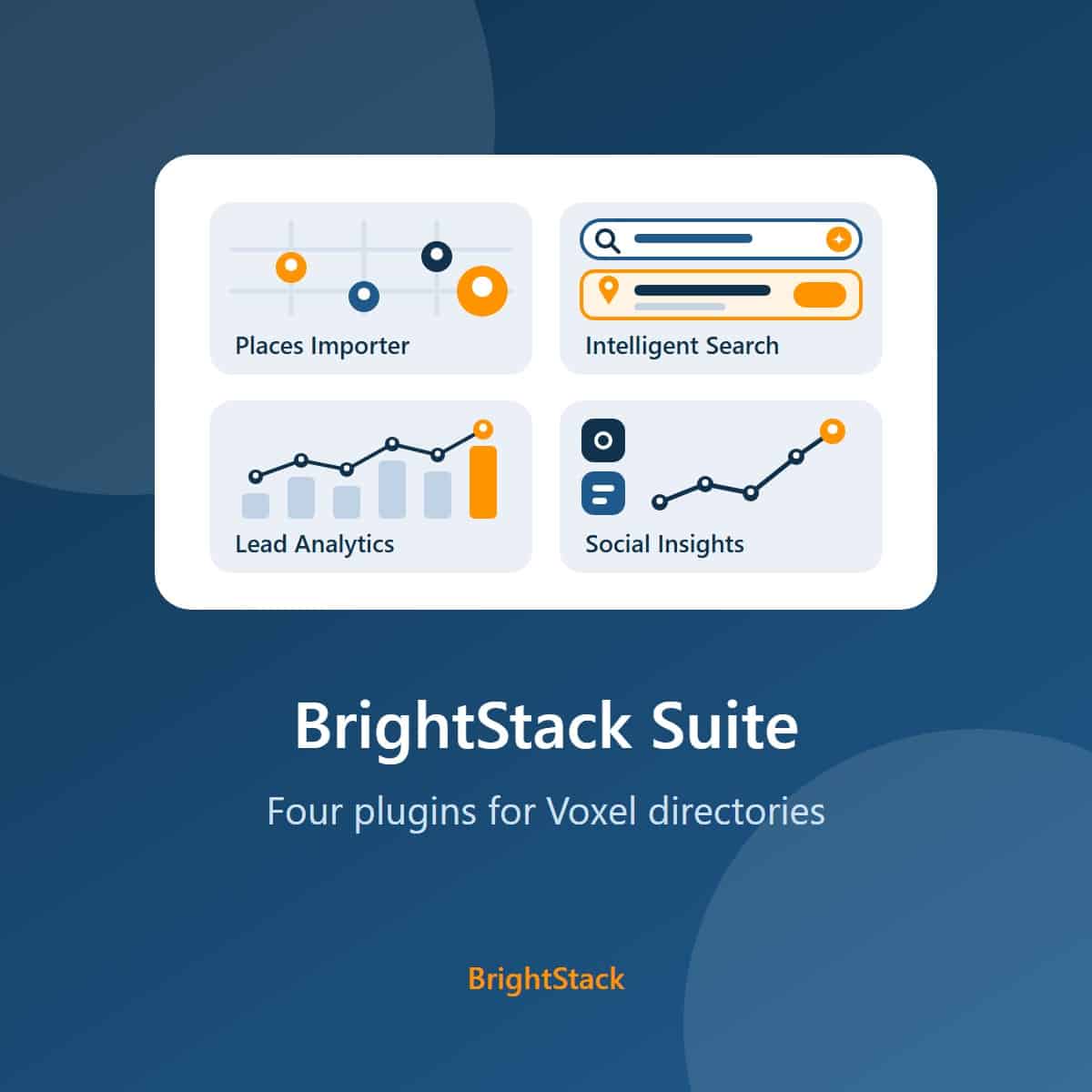
BrightStack Suite
Everything BrightAdvice makes for Voxel directories in one bundle: Places Importer, Intelligent Search, Lead Analytics, and Social Insights. Over 215 dollars of individual plugin value for 149 dollars a year.