
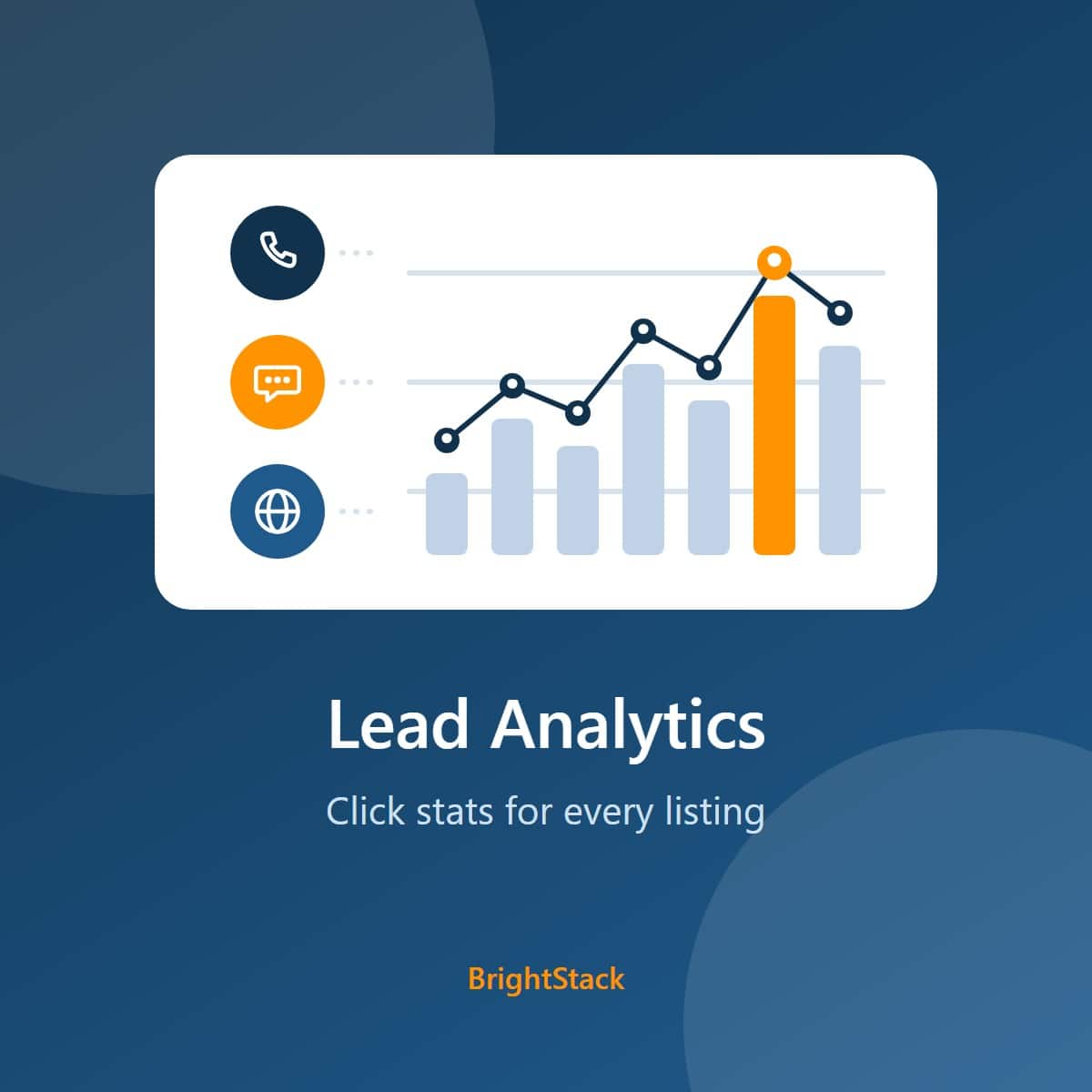
BrightStack Lead Analytics
Show advertisers the leads their listing sends. Count clicks on phone, WhatsApp, and website buttons, give each listing owner their own lead stats, and keep visitor IP addresses hashed. No third-party account needed.
Current version 3.3.4 · Updated October 2026
Requires the Voxel theme. Works on top of a Voxel directory; it is not a standalone plugin. The owner stats widget needs Elementor, which Voxel uses. Click tracking works without it.
BrightStack Lead Analytics answers the question every advertiser asks: is my listing working? Add a click- prefix to a button’s ID and its clicks are counted, once per visitor per hour, so repeat taps do not inflate the numbers. Each listing owner sees the leads their own listing sends.
Current version: 3.3.0. Part of the 3.3.x suite line: all four BrightStack plugins share the same first two version numbers. Requires WordPress 7.1 or later and PHP 8.2 or later.
Click tracking
- Tracks clicks on phone, WhatsApp, website, or any element whose ID starts with click-. In Elementor, set it under Advanced > Attributes, for example id|click-phone.
- Each click is counted once per visitor, per button, per listing, per hour, with a cap of 25 click records per visitor per listing per hour. Both rules hold when many visitors click at the same moment.
- Buttons added after the page loads, such as popups and AJAX cards, are tracked too. On archive and card pages, a data-post-id credits the right listing.
- Clicks from logged-out visitors still count on pages served from a full-page cache.
- Only clicks on published listings, from pages on your own site, are accepted.
- Records the device type (desktop, mobile or tablet) and the time of each click.
Earlier versions of this kind of click counter could record the same visitor’s repeat clicks on the same button within the same hour more than once. When you update, Lead Analytics removes those repeat rows, keeping the first one, and saves a copy of each removed row first so nothing is lost without a record. The copies are kept for your retention period (90 days by default) and then deleted automatically, and an admin notice tells you how many were removed. From then on, each visitor’s click on a given button is counted once per hour.
Stats for listing owners
- The Click Counter Stats Elementor widget shows total clicks, unique visitors, and a desktop, mobile and tablet breakdown for each tracked button.
- Eight date ranges, from today to the last 12 months.
- Logged-in owners see only the listings they authored. Logged-out visitors see nothing. Administrators see everything.
- Show all of an owner’s listings, or fix the widget to one listing. Labels, icons, colors, grid or list layout, and typography are all adjustable.
Tools for administrators
- Best Times for Clicks: bar charts by hour of day and by day of week.
- Recent Lead Activity widget on the WordPress dashboard: the 10 latest clicks and the busiest hours of the last 30 days.
- CSV export by date range, for all listings or one: clicks, unique visitors and device counts by listing, button and day. The file holds no visitor identifiers.
- Tracking Health card: rejected tracking requests over the last 7 days, and a warning when most clicks seem to come from one address.
- Clear All Tracking Data, with a confirmation step. It reports success only after each table is checked empty.
Privacy and data retention
- Visitor IP addresses are stored only as a one-way keyed hash. Raw IP addresses, the browser string and the referring page are not stored unless a developer switches them on.
- Choose how long click data is kept. The default is 90 days, and a daily cleanup removes older data. Date ranges longer than your retention period only show the data you kept.
- Automatic repairs copy each row into a recovery table before removing it, so nothing is deleted without a copy.
- Cloudflare’s visitor IP header is trusted only from Cloudflare’s own addresses. Other proxies can be configured by a developer.
- Deactivating or deleting the plugin keeps your click data, unless you tick the delete box first. Deleting with that box ticked cannot be undone. Your listings are never touched.
What you need to provide
Nothing beyond the plugin. There is no third-party account and no API key. Clicks are stored and reported in your own WordPress database, and no visitor or click data is sent anywhere. The plugin only contacts brightadvice.com to check your license and offer updates.
What it does not do
- It does not count elements without the click- prefix.
- It is not a full web analytics tool. It counts deduplicated button clicks, not page views or raw taps.
- Best Times, the CSV export, the dashboard widget and Tracking Health are for administrators. Listing owners see the stats widget only.
- Behind a reverse proxy other than Cloudflare that hides visitor addresses, all visitors can look like one until a developer adds the proxy setting.
What changed recently
- Update removes repeat clicks (same visitor, same button, same hour) recorded by earlier versions, keeping the first and saving a recovery copy of each.
- 3.2.10: trusted proxy ranges written in IPv4-mapped form work again, and an invalid proxy entry is ignored instead of trusting every address. Visitor identifiers do not change.
- 3.2.8: guest clicks count on cached pages, the new Tracking Health card, IPv6 visitors grouped by network, a safe 90-day fallback for a damaged retention setting, honest reporting for Clear All and the daily cleanup, and a fix for listings on archive pages.
- 3.2.0: the first sales release.
License, updates and support
An active license gives you updates and support. Updates arrive through the normal WordPress Plugins screen, including the auto-update toggle. Staging and development copies on recognized staging addresses do not use up a license site. For help, email help@brightadvice.com. If you choose not to renew, the plugin keeps working as it is, but updates and support are no longer available. Licensed GPL v2 or later.
0 Reviews
Unable to load reviews. Please try again later.
No reviews yet. Be the first to write a review!
Related Products
BrightStack Intelligent Search
Hybrid keyword and AI semantic search for Voxel directories, powered by a Typesense server you control. Location-aware ranking, instant autocomplete, and curated results. Updates and support come with an active license, and no visitor data is ever sent to BrightAdvice.
BrightStack Places Importer
Find businesses with Google, import full business records from Outscraper into your Voxel post types, and optionally write descriptions with AI, with a background queue, duplicate protection, a review screen, and safe updates that protect claimed listings.
BrightStack Social Insights
Track public Instagram and Facebook Page figures for your Voxel listings over time, with optional plain-language AI insights and monthly spending caps. Uses your own Apify account and, for insights, your own OpenAI key.
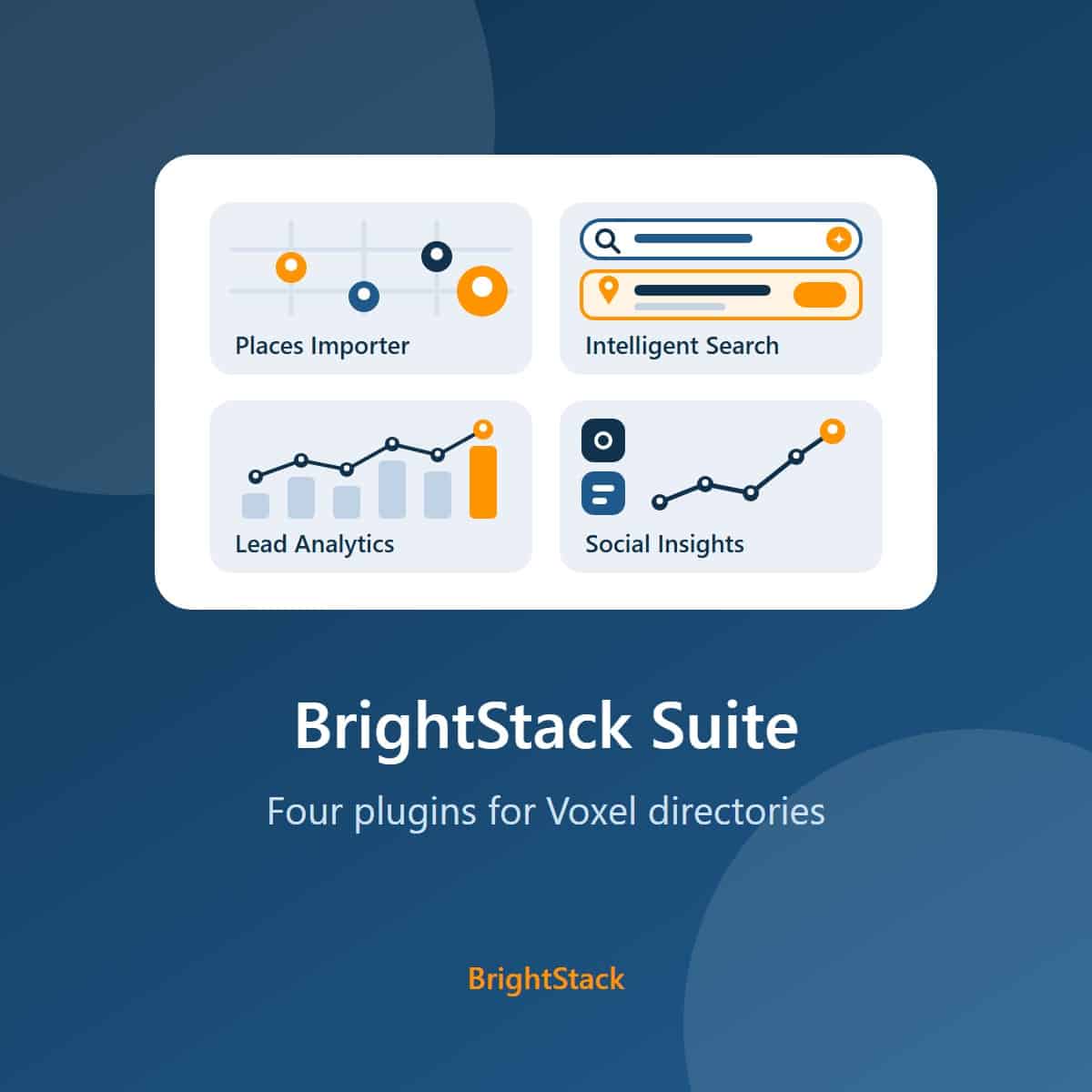
BrightStack Suite
Everything BrightAdvice makes for Voxel directories in one bundle: Places Importer, Intelligent Search, Lead Analytics, and Social Insights. Over 215 dollars of individual plugin value for 149 dollars a year.